Free
For everyday use, supported by ads.
- Free VPN time every day
- Add time by watching a short ad
- A daily limit applies to time earned from ads
- Shows ads from Google AdMob
Jango VPN is a VPN app for Android that encrypts the traffic between your phone and our VPN servers with the WireGuard protocol. Open the app, tap the power button, and you are connected.
Between your phone and our VPN servers.
No sign-up form and no password.
Add more by watching a short ad.
The free plan shows ads. Premium has none.
Features
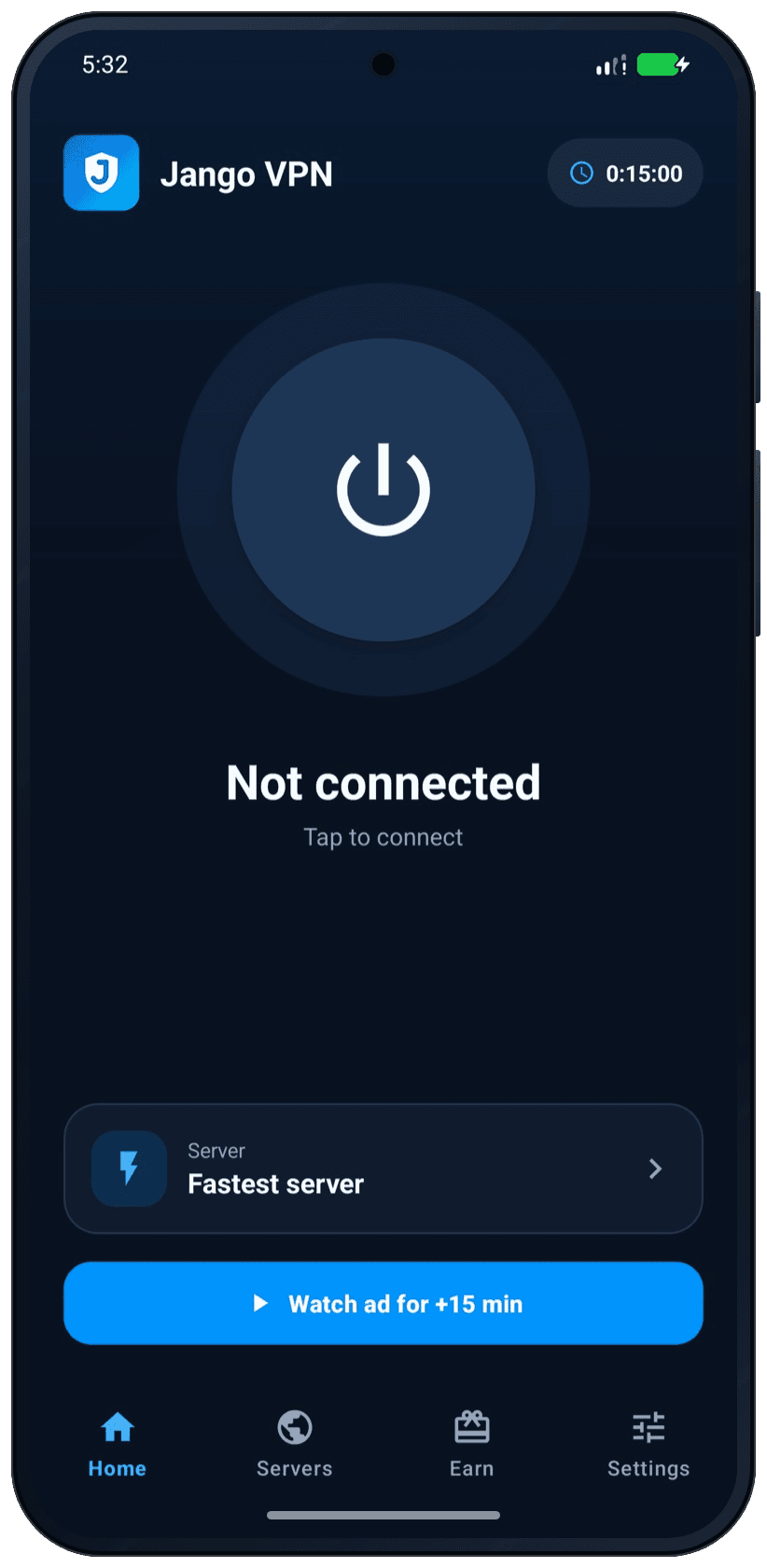
The home screen has one button. Everything else is there when you need it.
Open the app and tap the power button. Jango VPN sets up the encrypted tunnel for you. Tap again to disconnect.
While you are connected, the WireGuard protocol encrypts your traffic between your phone and our VPN server.
After the server, traffic is protected only if the site or app uses HTTPS.
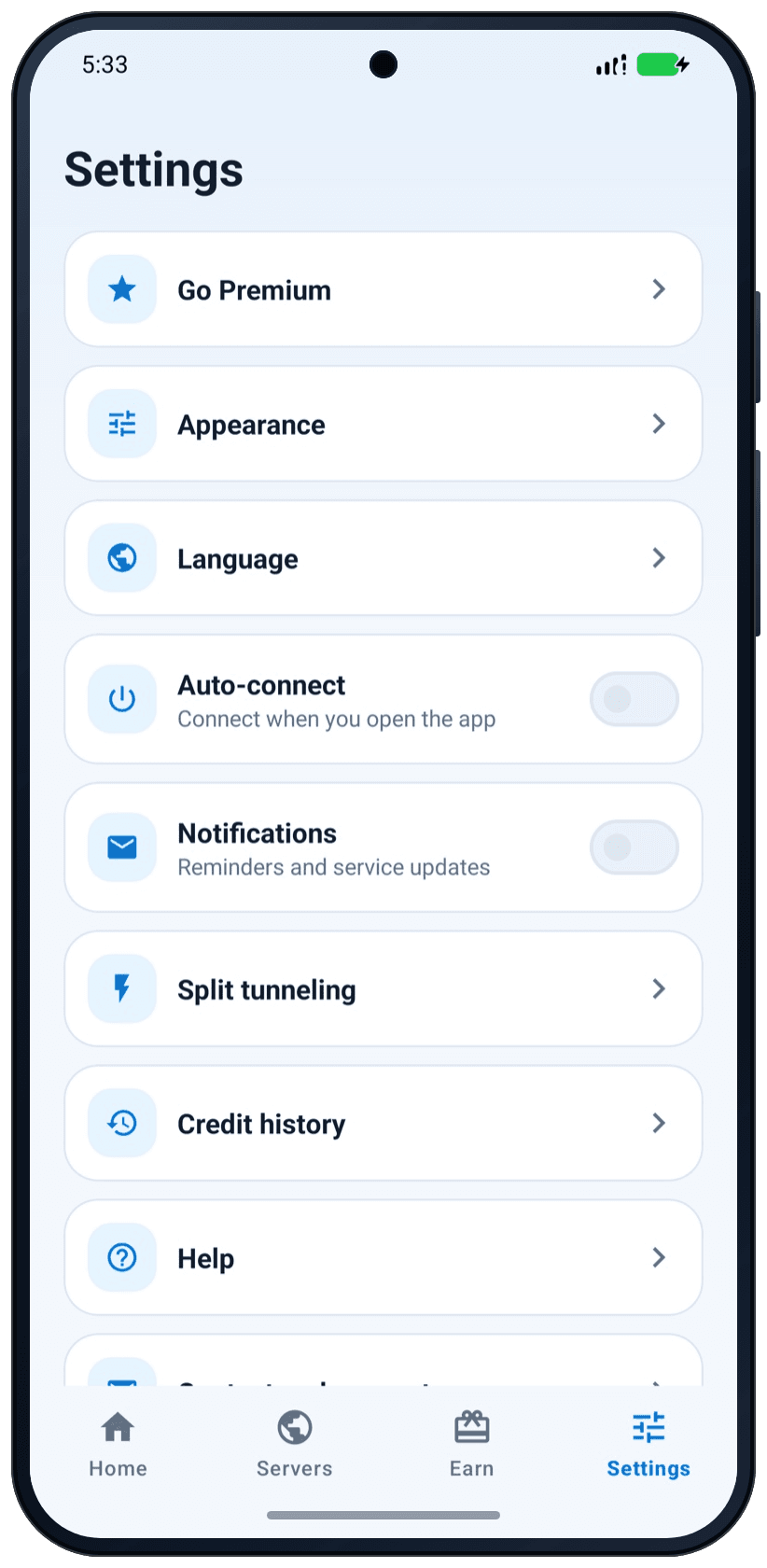
Use “Fastest server” or pick a country yourself. Mark the locations you use most as favorites.
Pick the apps that should not use the VPN. They keep your normal connection, and everything else goes through the tunnel.
Use the app in your own language, from Spanish and Arabic to Hindi and Japanese.
Also in the app: auto-connect when you open it, light and dark theme, a credit history of time added and used, and connection logs that stay on your device.
How it works
No account and no setup screens.
Get the app from Google Play. It is free to download and works on Android 7.0 and newer.
The app connects you through “Fastest server”. You can also choose a country first.
Your other apps now send their traffic through the encrypted tunnel. Tap the button again to disconnect.
Free and Premium
Both plans use the same app and the same WireGuard encryption.
For everyday use, supported by ads.
For people who use the VPN a lot.
Prices are shown in the app and on Google Play. Subscriptions renew automatically until you cancel them in Google Play.
Inside the app
Dark or light, the layout stays the same: big buttons, short labels, nothing hidden.
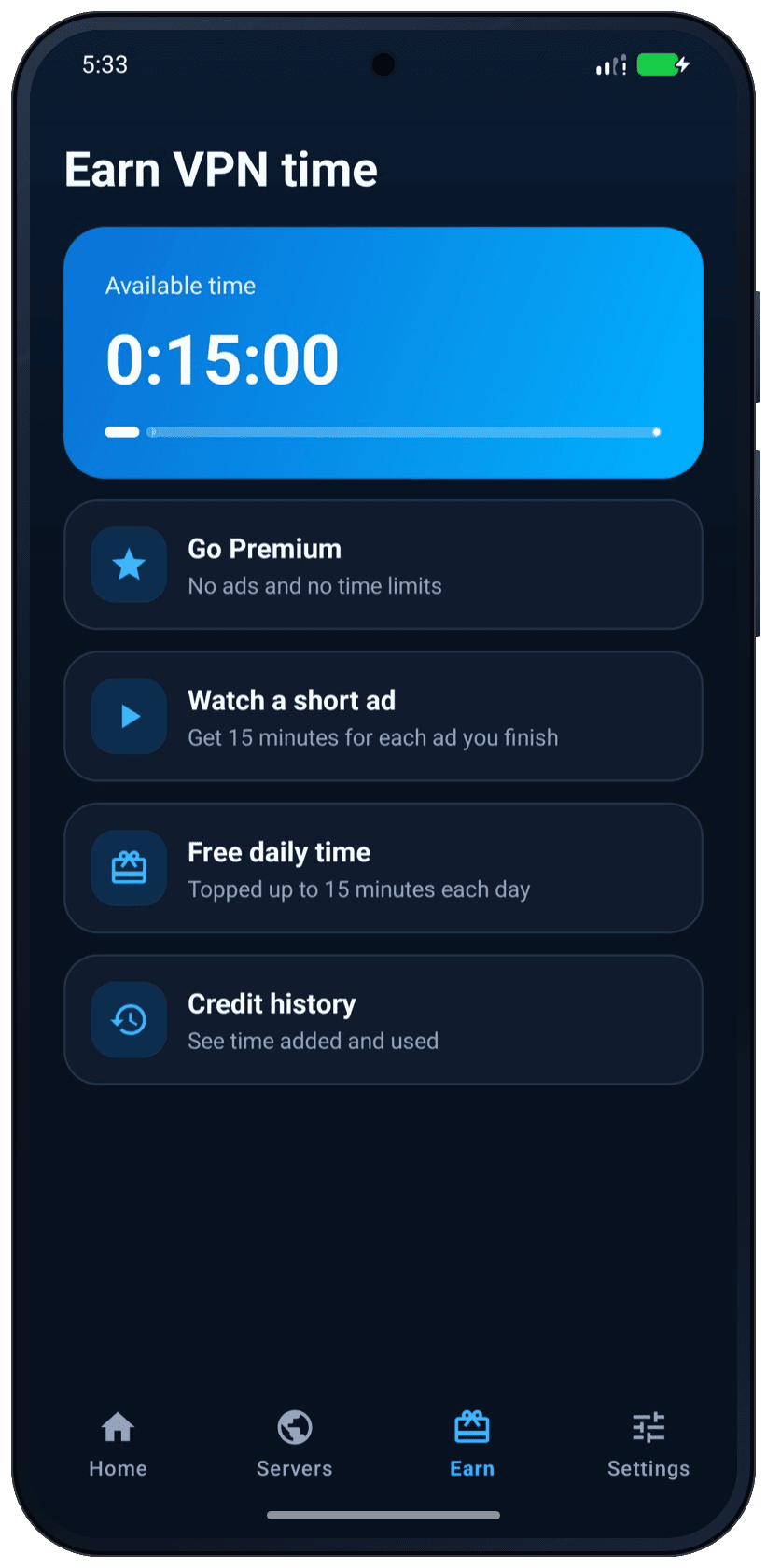
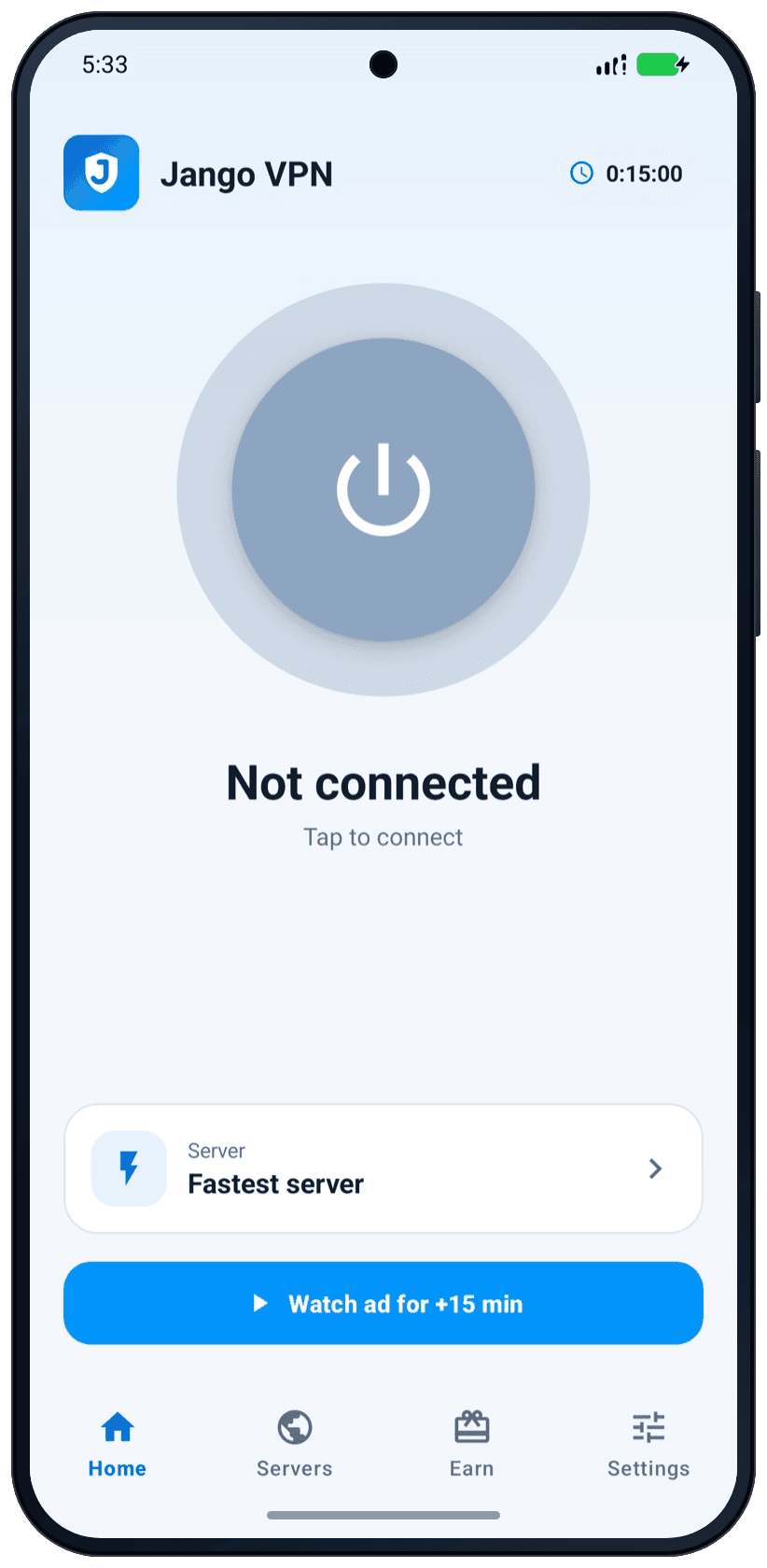
Screenshots from the Android app. The amount of free time shown can change.
Languages
The app is available in 27 languages, including languages written from right to left. You can change the language in Settings.
Questions
Short, honest answers. You can find more in Help.
Yes. The app is free to download, and you get free VPN time every day. When you want more time, you can watch a short ad to add it. There is a daily limit on the time you can earn from ads. Premium removes the ads and the time limits.
No. There is no account and no sign-up. Install the app, tap the power button, and you are connected.
While you are connected, Jango VPN encrypts the traffic between your phone and our VPN server. Websites and apps then see the address of the server instead of yours. A VPN does not make you anonymous. Sites can still recognize you when you sign in or through cookies, and a VPN does not protect against every online threat.
Our VPN service does not record the websites you visit or the content of your traffic. Some records do exist, and other companies handle some data. To connect you, we keep a one-way hash of your device’s key, the ID of its VPN account and the time of the last connection request, and delete them after 24 hours without use. Google provides the ads, analytics and billing in the app. The Privacy Policy explains what is kept and for how long.
Ads pay for the free VPN time. Free users see ads from Google AdMob. The Jango VPN app itself stays outside the VPN tunnel, so its ads load over your normal network. Your other apps use the VPN. Premium has no ads.
Open the Earn tab and watch a short ad. You also get free time every day. If you reach the daily limit for ads, come back the next day or go Premium.
Jango VPN is an Android app. It works on Android 7.0 and newer, and you install it from Google Play.
Premium is a subscription through Google Play. It renews automatically until you cancel it. You cancel it in Google Play, under your subscriptions. Removing the app from your phone does not cancel the subscription.
Send us a message with the contact form. It helps if you tell us your Android version and what you saw on the screen.