
About Jango VPN
Jango VPN is a simple VPN app for Android, made by Jango Solutions. This page says what the app is, who it is for, how it is paid for, and what we will not claim about it.
The app
What is Jango VPN?
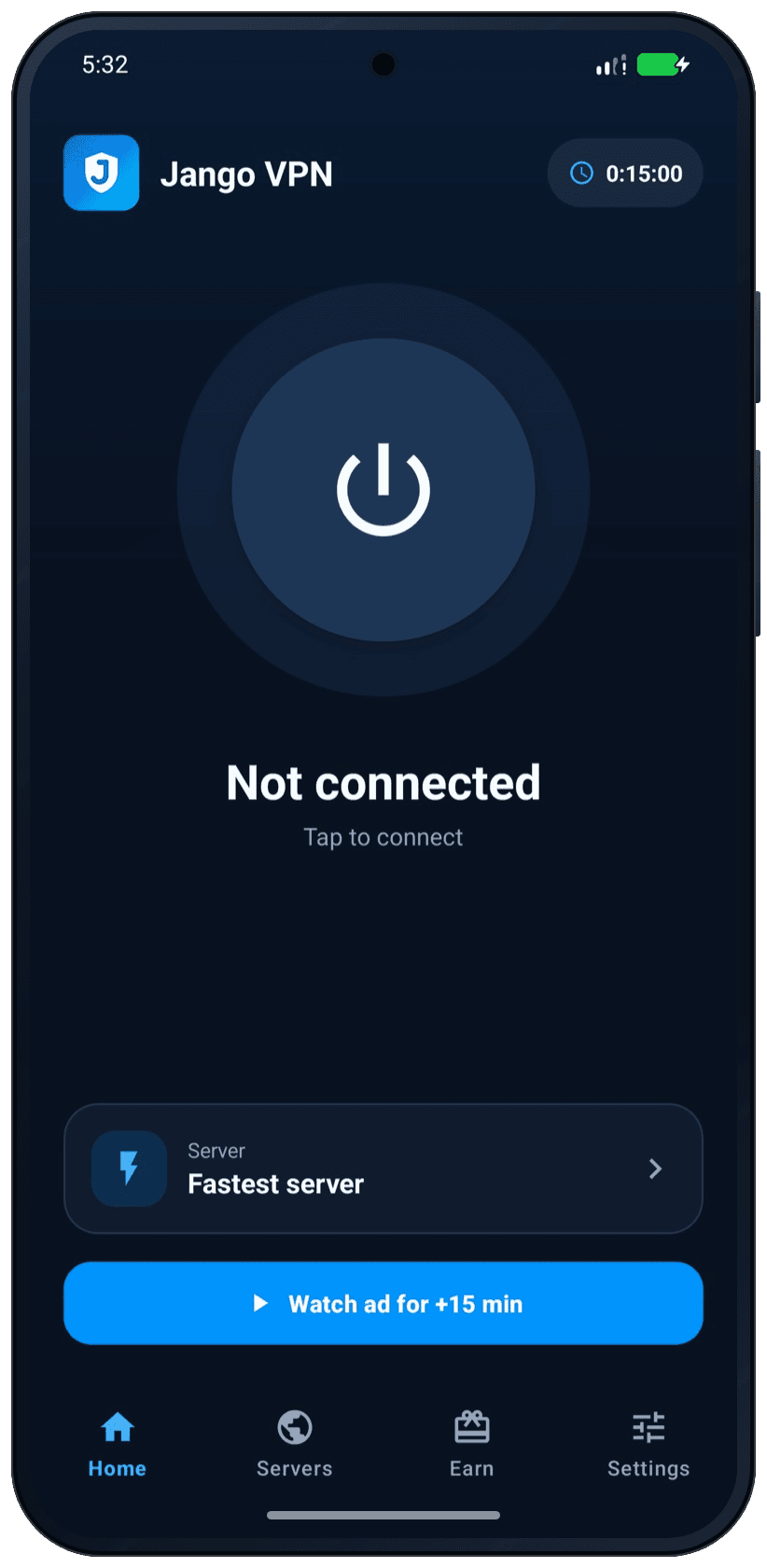
Jango VPN is an Android app that encrypts the traffic between your phone and our VPN servers. You open it, tap one button, and you are connected. There is no account to create.
The app is built around one screen with one power button. Behind it are the controls that matter: a list of countries with favorites, split tunneling, auto-connect, a light and a dark theme. The Features page describes each of them, and Help answers the questions that come up while you use them.
Jango VPN is a product of Jango Solutions, a software studio.
- Android 7.0 or newer
- Free to download
- No account
- 27 languages
Who it is for
Who is Jango VPN for?
For people who want a VPN on their Android phone that works with one tap, and that says clearly what it costs: some ads, or a subscription.
People who are new to VPNs
You do not need to know what a protocol or a server is. Tap the power button, and the app sets up the encrypted tunnel for you.
People on shared Wi-Fi
In a café, a hotel or an airport, a VPN keeps other people on the same network from reading your traffic on its way to the VPN server.
People who do not want another account
There is no sign-up form, no e-mail address to confirm and no password. You install the app and use it.
People who want to start for free
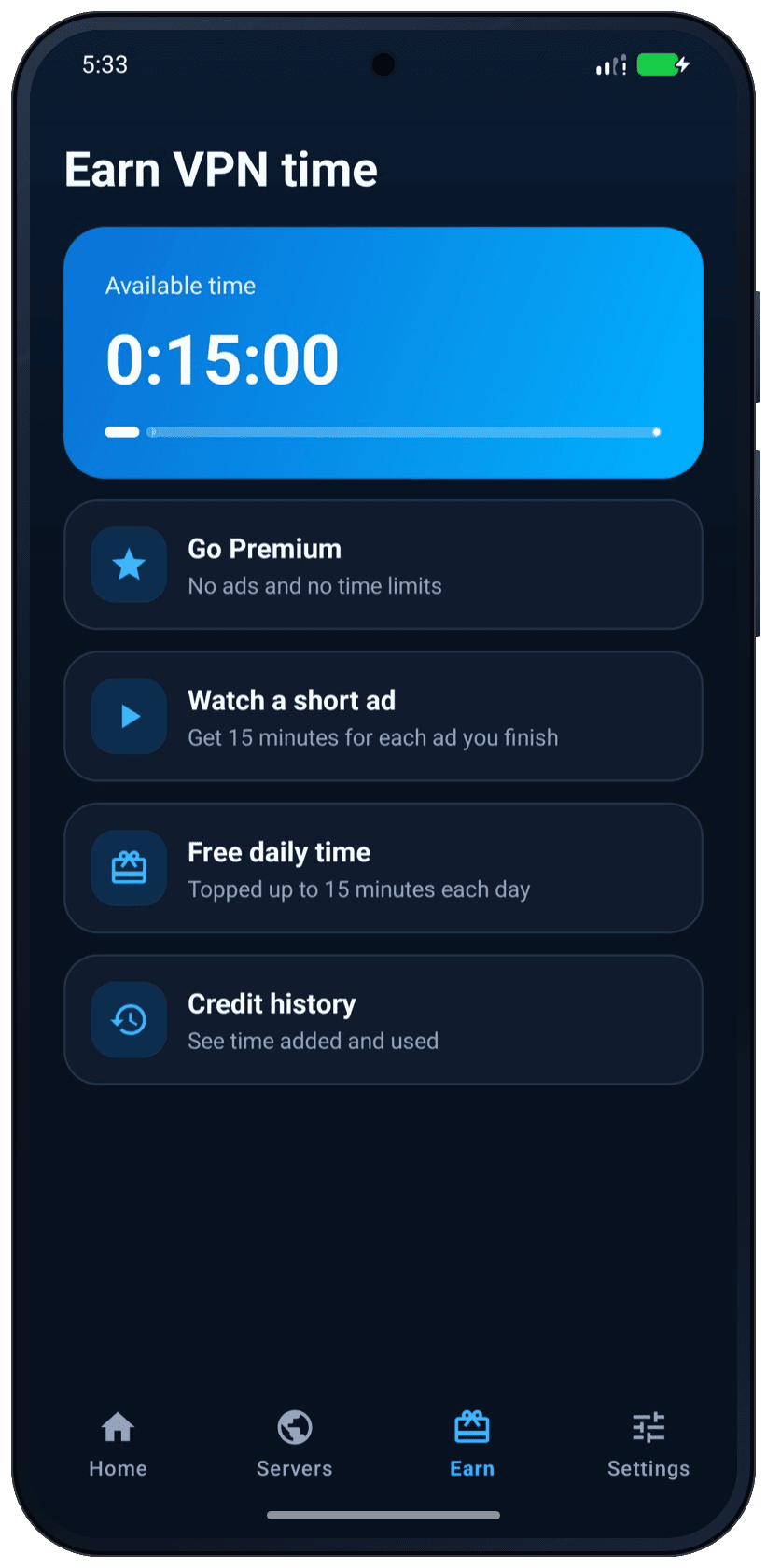
The free plan gives you VPN time every day, with ads. If you use the VPN a lot, Premium removes the ads and the time limits.
Who it is not for
Jango VPN is made for Android. There is no version for iPhone or for computers. It is also not a tool for hiding who you are: no VPN makes you anonymous. The guide What a VPN hides, and what it does not explains why. For shared networks, read Public Wi-Fi: how a VPN helps and what it does not do.
Funding
How is Jango VPN paid for?
By ads on the free plan and by Premium subscriptions. VPN servers cost money every month, and these are the two ways the app pays for them.
The free plan is paid for by ads
Free users see ads from Google AdMob: a banner, ads in the Servers list and on the Earn tab, and a full-screen ad after a disconnect or when they come back to the app. Free VPN time is topped up every day. An optional short ad adds more time, up to a daily limit.
Premium is paid for by subscribers
Premium is a weekly, monthly or yearly subscription through Google Play. It removes every ad and the time limits. The price is shown in the app and on Google Play before you buy.
Every minute you are connected uses server capacity that has to be paid for. That is why the free plan counts your time and shows ads, and why Premium has neither.
One thing we do not do to earn money: we do not use your VPN traffic to build advertising profiles. The ads load outside the VPN tunnel, over your normal network, and the Privacy Policy says what Google and we process for them.
Not sure whether a free VPN is a good idea? The guide Is a free VPN safe? What to check before you install one gives you a checklist for any VPN, this one included.
Principles
What can you expect from us?
Plain statements about what the app does, and equally plain ones about what it does not do.
We name the limits together with the benefits
A VPN is one tool with one job. We describe that job and its limits in the same place, so you do not have to look for the limits yourself.
The ads are not a secret
The free plan shows ads. We say so on this website, on Google Play and in the app, before you connect for the first time.
Data questions get exact answers
The Privacy Policy lists what our connection service stores, what stays on your phone, which other companies receive data and how long it is kept.
No numbers we cannot stand behind
You will not find server counts, speed figures or user numbers here. Free time and prices are shown where they are always current: in the app and on Google Play.
What Jango VPN does
- It encrypts the traffic between your phone and our VPN servers.
- It shows websites and apps the address of the VPN server instead of yours.
- It lets you choose the country you connect through, and the apps that skip the VPN.
- It works without an account.
- It tells you when your VPN time is almost over, and when the VPN is off.
What Jango VPN does not do
- It does not make you anonymous. Sites can still recognize you when you sign in, or through cookies.
- It does not protect traffic beyond the VPN server, unless the site or app uses HTTPS.
- It does not cover the Jango VPN app itself, or the apps you exclude with split tunneling.
- It does not block the internet when the VPN is off. Without the VPN your phone uses its normal connection.
- It does not promise that every website, app or network works through the VPN.
For anything about your data, the Privacy Policy is the text that counts, and the Terms and Conditions set the rules for using the service. The short version of both is in the privacy answers in Help.
Technology
Which technology does Jango VPN use?
Jango VPN uses the WireGuard protocol, through Android’s own VPN interface. WireGuard is an open-source VPN protocol with a small code base and modern cryptography.
- The app creates its encryption key on your phone. The private key is stored encrypted with the Android Keystore and is never sent to us.
- The app checks the signature of the answers it gets from our connection service, so a fake server cannot hand it a VPN configuration.
- The VPN servers are run by our partner VPNresellers, which also answers DNS lookups inside the tunnel.
- Firewall rules on the server keep VPN users apart from each other.
No system is completely secure. Keep your phone and the app up to date.
New to the protocol? Read What is WireGuard? A plain-language guide. The data side of the same story is in the section How the VPN handles data of the Privacy Policy.
Your phone
The app encrypts your traffic before it leaves the phone.
Encrypted tunnelJango VPN server
Decrypts the traffic and sends it on. Websites see the address of this server, not yours.
Normal internet trafficWebsites and apps
On this part of the way, traffic is protected only if the site or app uses HTTPS.
Languages
Which languages does the app support?
The app is available in 27 languages. It follows the language of your phone, and you can choose another one under “Language” in Settings. Arabic, Persian, Urdu, and Punjabi (Shahmukhi) are written from right to left, and the app mirrors its layout for them.
- English
- EspañolSpanish
- Português (Brasil)Portuguese (Brazil)
- FrançaisFrench
- DeutschGerman
- ItalianoItalian
- NederlandsDutch
- PolskiPolish
- TürkçeTurkish
- РусскийRussian
- УкраїнськаUkrainian
- العربيةArabic
- فارسیPersian
- اردوUrdu
- ਪੰਜਾਬੀPunjabi (Gurmukhi)
- پنجابیPunjabi (Shahmukhi)
- हिन्दीHindi
- বাংলাBengali
- Bahasa IndonesiaIndonesian
- Bahasa MelayuMalay
- Filipino
- Tiếng ViệtVietnamese
- ไทยThai
- 日本語Japanese
- 한국어Korean
- 简体中文Simplified Chinese
- 繁體中文Traditional Chinese
A language with a link has a page on this website in that language.
The company
Who makes Jango VPN?
Jango VPN is a product of Jango Solutions, a software studio.
The company that provides the service and is responsible for your data is named in the Privacy Policy and in the Terms and Conditions. Its details are repeated here.
The quickest way to reach us is the contact form.
- Made by
- Jango Solutions
- Company
- Jango Solutions
- hello@jangosolutions.com